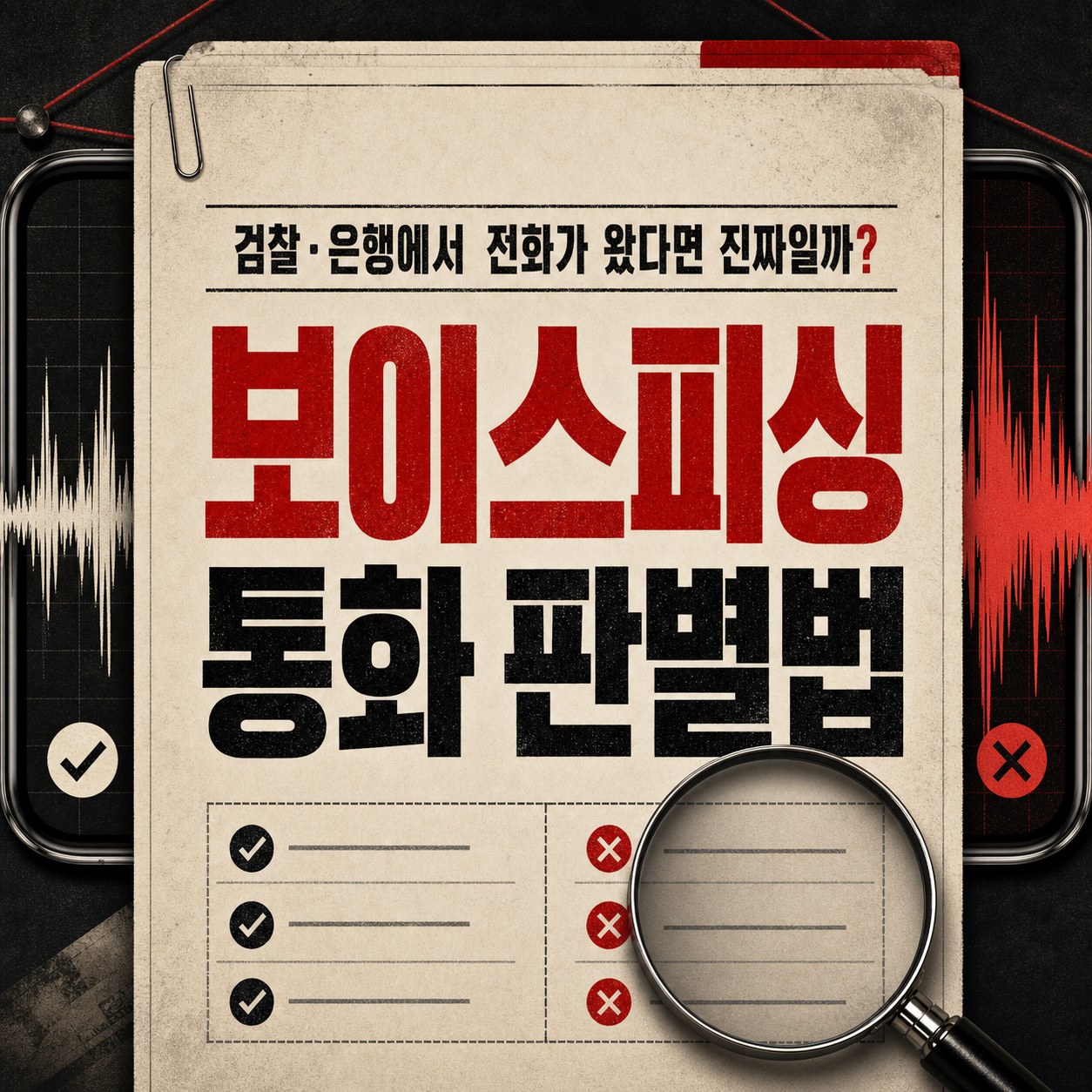
If someone claiming to be the prosecutor or your bank calls, hang up and verify using a number you found yourself.
You can't tell a voice phishing call from a real one by how convincing the caller sounds. Scammers sometimes recite an agency's name, your full name, your birth date, even part of your account number, so knowing a lot about you proves nothing. That is exactly where most people get confused.
This list organizes what to do first and where to check when a suspicious call or text arrives. Each entry covers the warning signs, what to do now, which official channel to use, and what to have ready. The order reflects how common each situation is and how early you should act.
How to read this list
- On the phone right now? Start at No. 1: hanging up comes before any check.
- Asked to send money? Look at Nos. 2 and 4 first.
- Asked to tap a link or install an app? Go to Nos. 6 and 7.
- Already gave out information? See No. 8 for what to note down.
Procedures and phone numbers can change, so confirm the latest guidance before acting. (Checked August 2026.)
Hang Up and Verify Independently

Ask 112 About Impersonation

Compare Against Known Scam Patterns

Confirm via the Bank's Official Number

Verify Family Claims via Known Numbers

Refuse Link or App Install Requests

Consult 118 on Suspected Smishing

Stop Providing Personal Information

How to choose
If you are on a call or just hung up, start with No. 1, Hang Up and Verify Independently. If you were told to send money, read No. 2 (asking 112) and No. 4 (the bank's official number) together. If someone claiming to be family asks for money, No. 5, calling the saved number, is your test. Link and app requests belong to Nos. 6 and 7, and if you've already handed over information, go to No. 8.
The common thread is the same in every case: verify with a number you found yourself, not one the caller gave you, and slow down when someone pushes you to hurry. Pressure to act immediately is itself a warning sign. If you feel doubt, don't decide alone; tell a family member or someone close right away.
The information here reflects the time of research, and agency procedures and numbers may change, so confirm through official channels before acting.
Frequently asked questions
If the caller knows my personal details accurately, doesn't that mean it's real?
No. Callers sometimes use leaked personal data to state your name, birth date, or even part of your account number accurately. The test isn't how much they know. It's whether you can verify it independently.
I hung up, but they're calling back. What now?
Don't answer, or hang up again, and if needed, report the number to 112 or KISA's 118 hotline for guidance. Repeated calls from the same number are reason enough to be suspicious on their own.
Can I confirm a text pretending to be from family by calling?
Yes, but call the number already saved in your contacts, not the new one in the text. Checking with another family member too makes it more reliable.
Can I trust a request to move money to a safe account?
No. Don't trust any request to send money to an individual under the name of a safe or protected account. Call the bank's official number printed on your card or passbook to check directly.
What if I already tapped a suspicious link or installed an app?
Stop going further, keep the text and sender details exactly as they are, and consult KISA's 118 hotline or 112. Don't hide it; noting what you did and when helps with the response afterward.
A link in a text looks like an official page. Is it okay to open it?
Even if it's framed as just checking, opening it yourself isn't safe. Gather the sender's number, the wording, and the URL, and consult KISA's 118 hotline first.
Get new lists before anyone else
Once a week — only the new lists worth your time.
No spam · unsubscribe in one click
You may also like

Before You Tap Install: Blocking Malicious Apps and Remote Control
If someone asks you to install an app or share your screen, stop, cut the network, report from another device to 112 and your bank, then clean up accounts on a clean device.

Already Reported It? What Comes Next After a Voice Phishing Scam
After reporting voice phishing, keep preserving evidence, securing accounts, and rechecking your bank accounts and phone lines to prevent a second round of loss.
Was Something Opened in Your Name? An 8-Step Identity Theft Check
If an unfamiliar account, loan, or phone alert shows up, work through accounts, credit records, and phone lines in order, then freeze or report if there's real damage.
The First Minute After a Transfer Matters: A Payment-Freeze Action Order
Right after a fraudulent transfer, reporting, freezing payment, and preserving evidence need to happen almost simultaneously to limit the loss.