
Keep personal accounts separate, and design emergency access for shared ones before you need it.
Getting married doesn't mean merging every password with your spouse — the safer logic runs the other way. Keep each person's individual accounts in their own hands, and pull out only the logins you truly share — internet, utilities, streaming subscriptions — into a separate joint vault. The reasoning is simple: leave a password on a sticky note or in a group chat, and the moment that one line leaks, both your personal and joint accounts fall together.
Then there are scenarios nobody wants to think about — a lost phone, a spouse hospitalized, a spouse who has passed away. Without deciding in advance how to reach their accounts, you're stuck exactly when it matters. The ten picks below sort into three such groups.
How we picked
- Does it physically separate private territory from joint management
- Can two-factor authentication survive a switch to a new phone
- Is there an official process that stays locked until a real emergency
- Does it avoid exposing a spouse's everyday privacy
Start with a sharing tool like rank 1 or 2 for a month, then branch into authenticator apps and emergency-access tools. Wherever you begin, the goal stays the same: a safety net that lets you reach each other when it counts, without ever trading passwords directly.
Bitwarden Organizations

1Password Families
Google Password Manager

Apple Passwords app

Microsoft Authenticator
Google Authenticator
Bitwarden Emergency Access

Apple Legacy Contact

Google Inactive Account Manager

Joint account inventory document

How to choose
If you want to sort out joint logins first, start with something that has a shared vault, like rank 1 Bitwarden Organizations or rank 2 1Password Families. If you'd rather not add a subscription, pairing rank 3 Google Password Manager with rank 6 Google Authenticator already raises your personal account security a lot. If a spouse's hospitalization or death is what worries you most, set up rank 7 Emergency Access or rank 8 Legacy Contact first — tools that stay locked until they're actually needed.
When comparing options, map out who can access what and when before you look at feature lists. Pricing and feature details change with each provider's own policy, so treat this article as accurate as of when it was researched, and check each service's official channel before you actually set anything up.
Frequently asked questions
Should couples share every password?
No — personal account passwords should stay under individual control, and only shared logins like internet, utilities, and subscriptions belong in a joint vault. Sharing everything actually makes it harder to figure out responsibility when something goes wrong.
What happens if my spouse is suddenly hospitalized or passes away — how do I access their accounts?
You'll need official mechanisms the account owner set up in advance, like Bitwarden Emergency Access or Apple's Legacy Contact. Without that groundwork laid ahead of time, gaining access after the fact can become extremely difficult.
Where should we start when adopting a password manager as a couple?
Pick a handful of clearly joint accounts — utilities, Wi-Fi, subscriptions — and try it for a month first. Trying to migrate everything at once tends to dump all the management work on one person and the whole effort fizzles out.
What do I do if I lose my phone while using a two-factor authenticator app?
Use the recovery codes you saved in advance for each service to sign back in, then register the authenticator app on your new device. Without saved recovery codes, regaining access to the account itself can be very difficult, so set those aside somewhere safe as soon as you register the app.
Should a joint account inventory document include the actual passwords?
No — the inventory should only list service names, owners, billing dates, and cancellation steps, while the actual credentials stay in your password manager. Writing passwords into the document turns that single file into a weak point for every account it covers.
Get new lists before anyone else
Once a week — only the new lists worth your time.
No spam · unsubscribe in one click
You may also like

Sync Isn't Backup: 10 Real Ways to Protect Your Family Photos
Photo sync and backup aren't the same thing — split family photo sharing, personal cloud storage, and true offline backups across different services so no file disappears when a device is lost or an account is canceled.
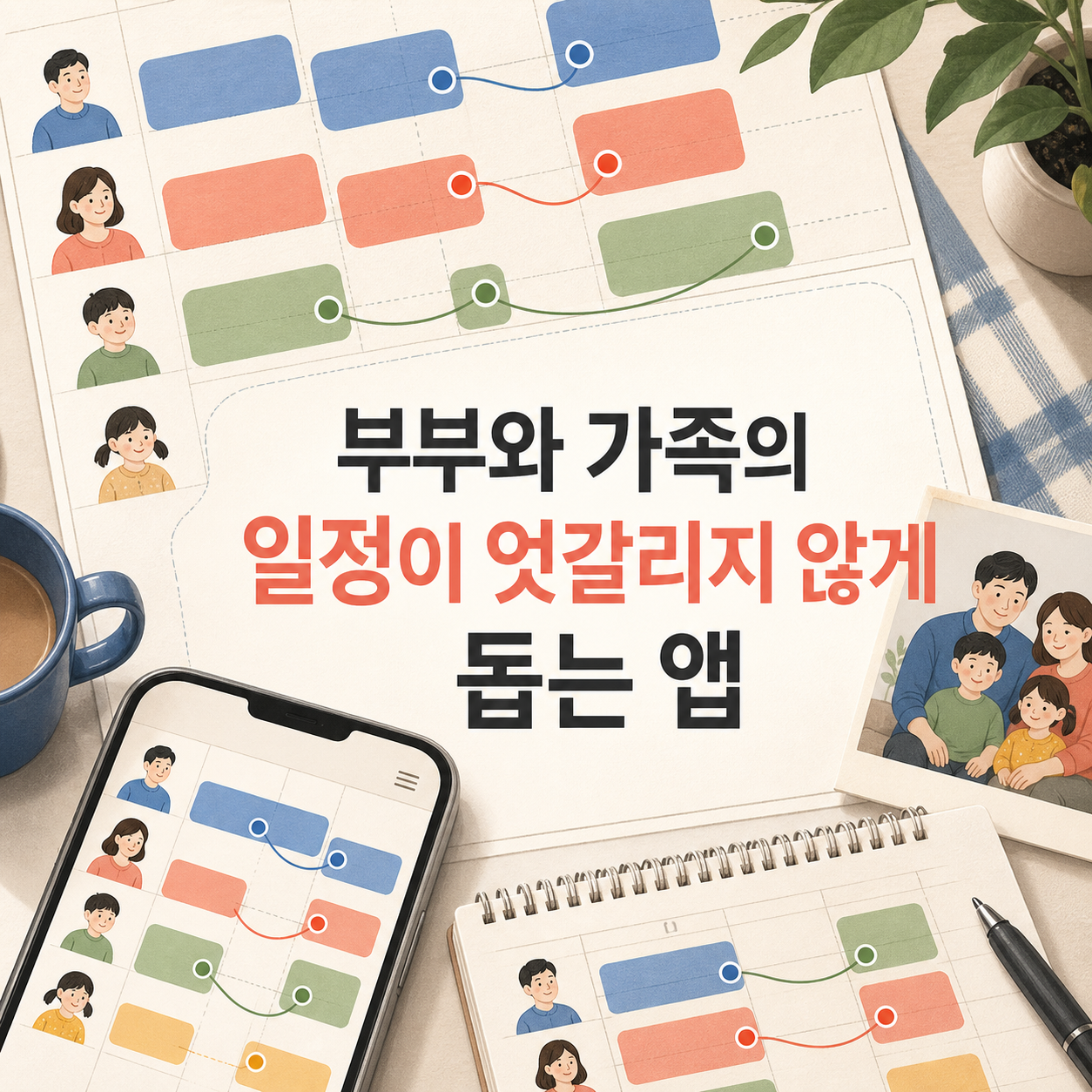
The Couple and Family Apps Worth Sorting Out Who Actually Enters the Data First
From Google Calendar to Notion, splitting calendars from to-do lists keeps couples and families from turning shared planning into one person's chore.