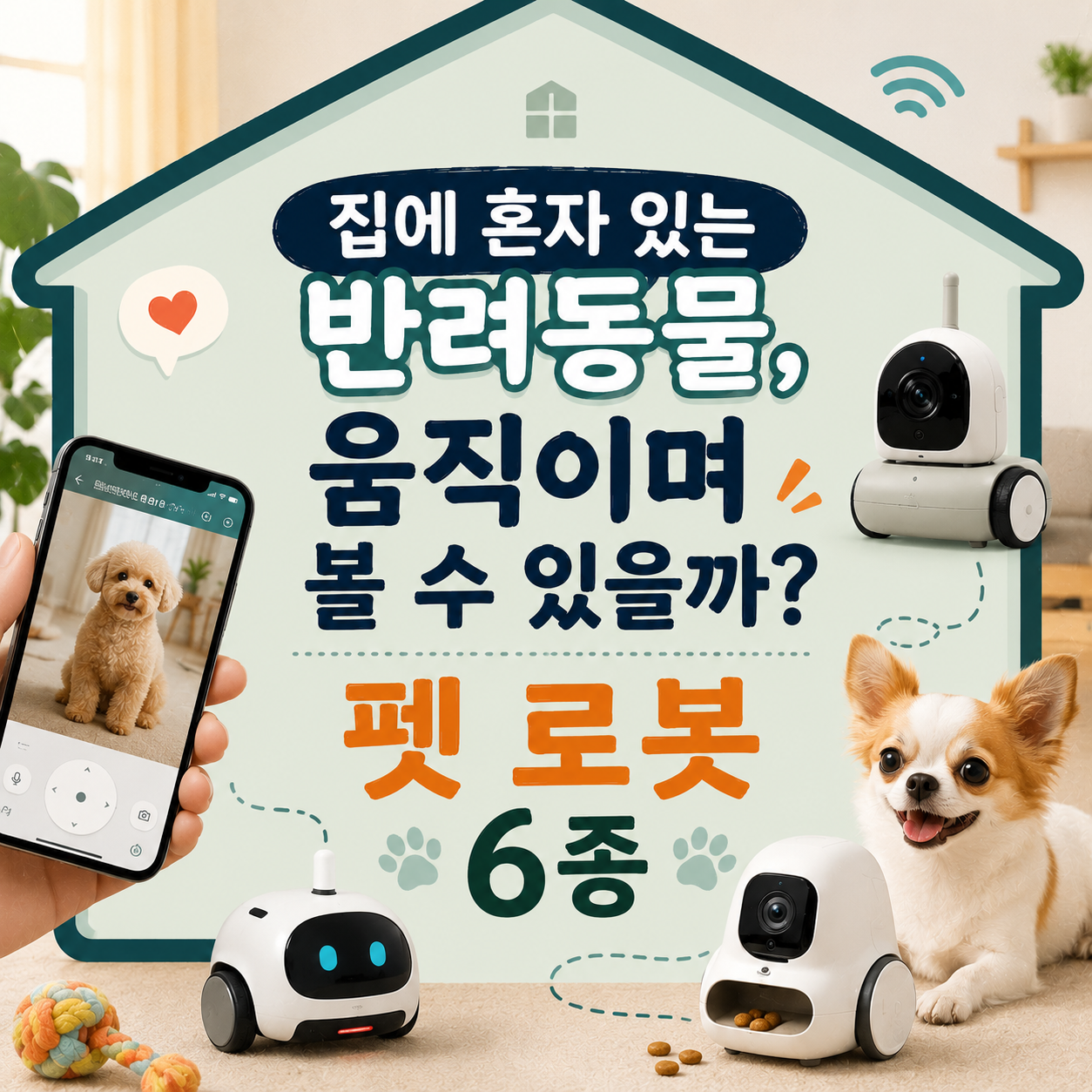
We compared movement, camera check-ins, and treat play by use case, and why none replace supervision during a long day away.
The most common assumption people make when shopping for a pet robot is that a camera and a treat dispenser mean it's safe to leave a pet alone all day. That's not the case. A robot lets you check in and interact briefly through a screen, but it can't catch a fall, a swallowed object, or a pet stuck behind a door in real time. So instead of ranking by which robot looks the most impressive, this list is organized around which feature actually matters in which situation.
How we picked
- Movement — autonomous roaming versus simple remote steering, and fit with your home's layout (thresholds, stairs)
- Camera and play features — two-way audio, treat dispensing, and what each model actually supports
- Fit for the space — how much it depends on Wi-Fi, and suitability by room size
- Upkeep — how much charging, cleaning, and app management it demands
If you just want quick face-time during short errands, start with a lighter model like #3 or #5. If the goal is play stimulation for an under-active pet, look at treat-dispensing models like #4 or #6 first. For exact battery life or pricing, check the manufacturer's current specs directly.
Enabot EBO X
Enabot EBO Air 2 Plus
Enabot EBO SE
SKYMEE Owl Robot
ROCKI Robot Companion
VARRAM Pet Fitness Robot
How to choose
If you just want to see your pet's face, a stripped-down model like #3 is enough; if you check their location often, a wider-ranging model like #2 or #1 works better. For an under-active pet that needs play stimulation, look at treat-dispensing models like #4 or #6 first.
When comparing, check whether the movement style fits your home's layout (thresholds, stairs), whether it fails safely when Wi-Fi drops, and how footage is stored. No model here fully replaces supervision during a long absence — that limitation applies across the board.
Information here reflects the time of research and may change, so confirm current pricing and specs through the manufacturer's official channels before buying.
Frequently asked questions
If I have a camera robot, is it okay to leave my pet alone all day?
Not recommended. These robots are meant for occasional remote check-ins and brief interaction, not a replacement for human observation. Feeding, bathroom habits, and early signs of illness are easy to miss through a screen, so for longer absences, plan for a family member, neighbor, or pet sitter to check in as well.
Are there privacy concerns with camera-equipped pet robots?
Many of these record continuously, so check whether footage is stored in the cloud or locally, and who has access, before buying. Always change the default password, and if you share the home with others, agree on the camera's coverage area and recording consent in advance.
What if my pet seems scared of the robot?
Start with short sessions and watch your pet's reaction closely for the first few days. If you see stress signals like barking, hiding, or avoidance, stop use immediately and give them space — don't try to force acclimation.
Will a treat-dispensing robot make my pet gain weight?
If you plan to use a treat-dispensing model, factor those treats into your pet's daily food total. Treating them as an extra on top of regular meals can easily lead to overfeeding, so either cut back the regular portion or switch to low-calorie treats.
Can I use these in a home with unstable Wi-Fi?
Most models depend on a Wi-Fi connection for remote features, so a dropped connection often disables both the camera and movement. Check signal strength throughout your home before buying, and see if there's room to reposition your router.
Are these safe in a home with stairs?
Most of these robots either lack fall-detection sensors or have limited ones. If your home has stairs, pair the robot with a physical barrier like a safety gate or closed door for real protection.
Get new lists before anyone else
Once a week — only the new lists worth your time.
No spam · unsubscribe in one click