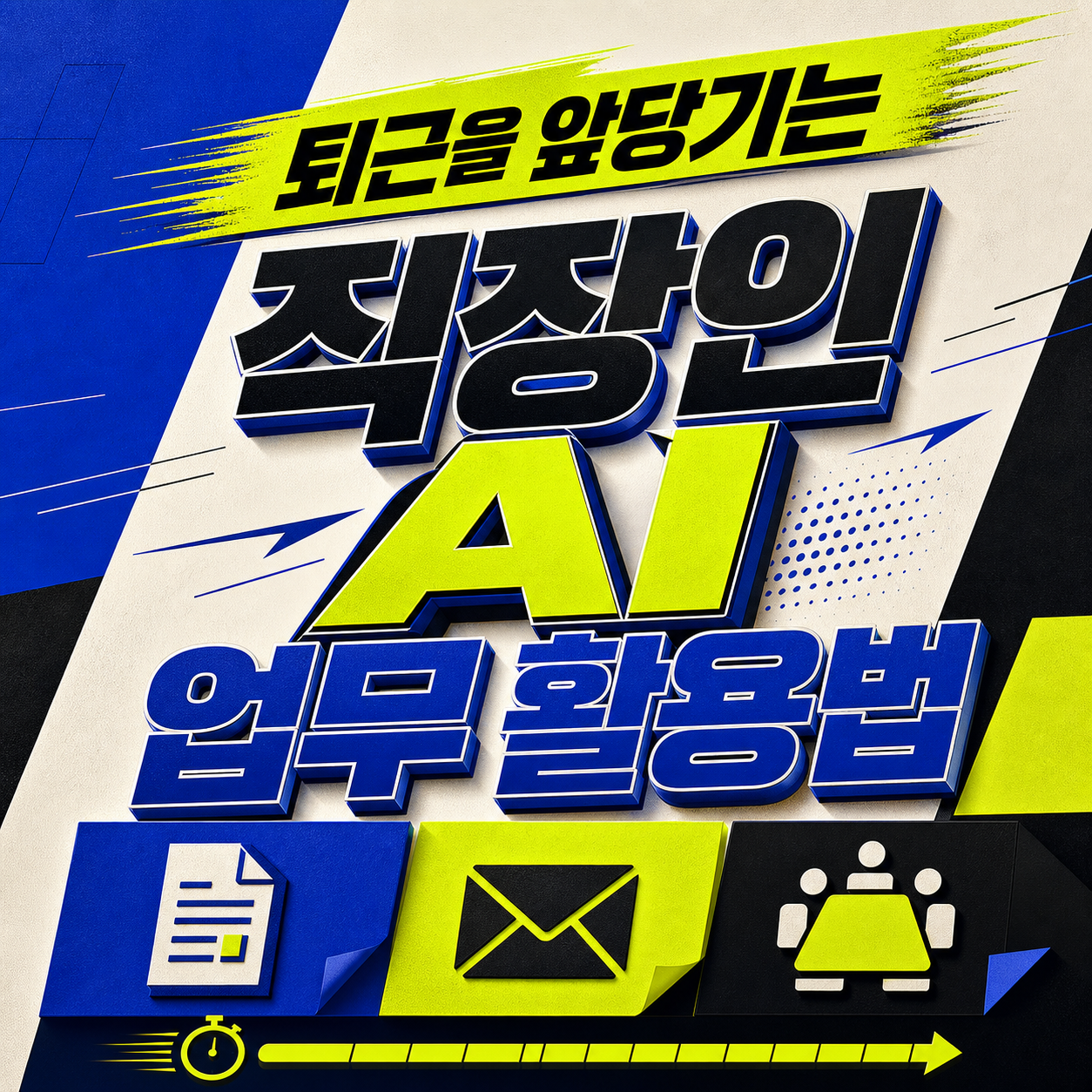
Ten office routines that use AI to cut drafting time on meeting notes, email, reports, spreadsheets, and slides, while people keep confidentiality and fact-checking.
The best thing to hand AI at work is not the final call but the draft: structuring a blank page. Sorting meeting notes into decisions and action items, boiling an email down to its purpose, or sketching a report outline costs little if it goes wrong and saves real time when it goes right. Handing over the step where you confirm numbers or evaluate a colleague is where trouble starts.
What most people get stuck on is how much to type in, and how far to trust what comes back. This list covers ten scenes: meeting notes, email, reports, data commentary, spreadsheet formulas, presentations, checklists, tone shifts, source comparisons, and rehearsal. Each entry says what to keep out of the prompt and what a person should verify at the end.
How we chose and ordered them
- Tasks that come up daily or weekly sit near the top.
- We favored work where a human can easily catch a bad result.
- Entries run roughly from lower to higher confidentiality risk.
If you are just starting, try ranks 1 to 3; if you work with data or spreadsheets, look at 4 and 5. Tool features and company policies reflect August 2026 and may change.
Structuring meeting notes into decisions and action items

Drafting the first version of a work email

Building a report outline around the reader

Drafting commentary on table data

Getting spreadsheet formulas explained in plain language

Mapping out a presentation flow and transitions

Building a checklist for a recurring task

Adjusting tone for different readers

Building a comparison table from public sources

Rehearsing a report or interview answer

How to choose
New to AI? Start with rank 1, meeting notes, and rank 2, email drafts; results are visible at once, so mistakes are easy to catch. Report writers gain most from ranks 3 and 4, spreadsheet users from rank 5, and presenters or interviewees from ranks 6 and 10.
Everywhere the rule is the same: keep customer data and unreleased figures out, and check every number, date, and owner against the source. This reflects the research date and can change, so confirm your company's security policy first.
Frequently asked questions
Is it okay to feed company material into AI tools?
Check your company's approved tools, accounts, and data classification rules first. Never input customer data, HR records, or trade secrets, and if you're unsure what's allowed, test with public material or a made-up example instead.
Is removing names enough to anonymize something?
Even with names stripped, a deal structure or a specific combination of numbers can still identify a customer or project. Don't assume simple anonymization is enough. When it matters, describe just the column names, format, or situation instead of the real document.
Can I send an AI-drafted document as-is?
As a rule, no. Check facts like figures, attachments, recipients, and dates, run a security check, and adjust the tone for your actual reader before sending. Skipping this step usually means more rework later, not less.
What is the best AI task for an office worker to start with?
Meeting-note cleanup and email drafts (ranks 1 and 2) are the easy entry points. You can see the result immediately, and a bad draft gets caught before it is sent. Once comfortable, expand to report outlines and formula explanations.
Can I trust spreadsheet formulas or numbers that AI produces?
Not blindly. Test any formula in a copy rather than the original, and compare the result with a manual calculation or a small sample. Also recheck that the period and aggregation rules match the source data.
How do I verify sources in an AI-made comparison table or summary?
Have it list which document and which passage each cell came from, then open the originals and compare. Marking the reference date of each source also makes the table easier to update later.
Get new lists before anyone else
Once a week — only the new lists worth your time.
No spam · unsubscribe in one click
You may also like
Studying With AI: Ask for Questions, Not Answers
Ten ways to use AI for self-directed studying — concept checks, error sorting, recall cards — without letting it write your work for you.
10 AI Services Worth Trying — Read the 'Don't Input This' Line First
A practical, use-case comparison of ChatGPT, Gemini, Claude, and more — plus exactly what data you should never type into any of them.